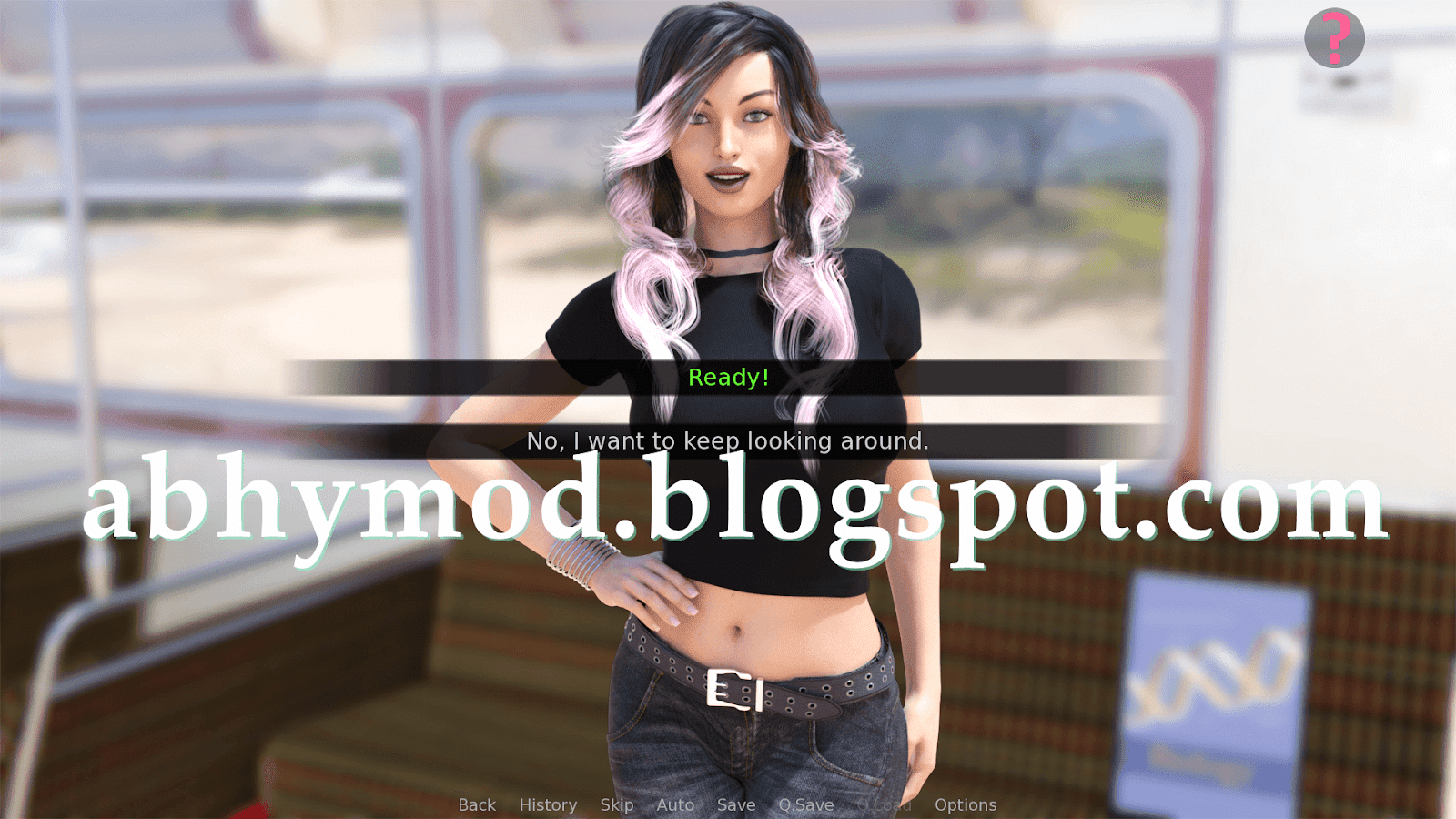
Features :
– The walkthrough that shows the results of your dialogue options
– Dialogue that gives you more points will be colored green
– Phone text messages that give you points are bordered green
How to install :
PC : Unzip the mod and put the folder named “game” from the mod into your “TIME_FOR_YOU-0.23.0-pc” folder.
MAC : Unzip the mod -> Right-click your TIME_FOR_YOU app -> Click “Show Package Contents” -> Put the files that are inside the folder named “game” from the mod into your “Contents/Resources/autorun/game” folder
To open the mod menu, click the Help icon near the top right of the screen when you’re in-game.